mori 1.0 — Because the writing goes on
Tools change, but writing goes on. mori is a Markdown editor built to make that time easier and more trustworthy.
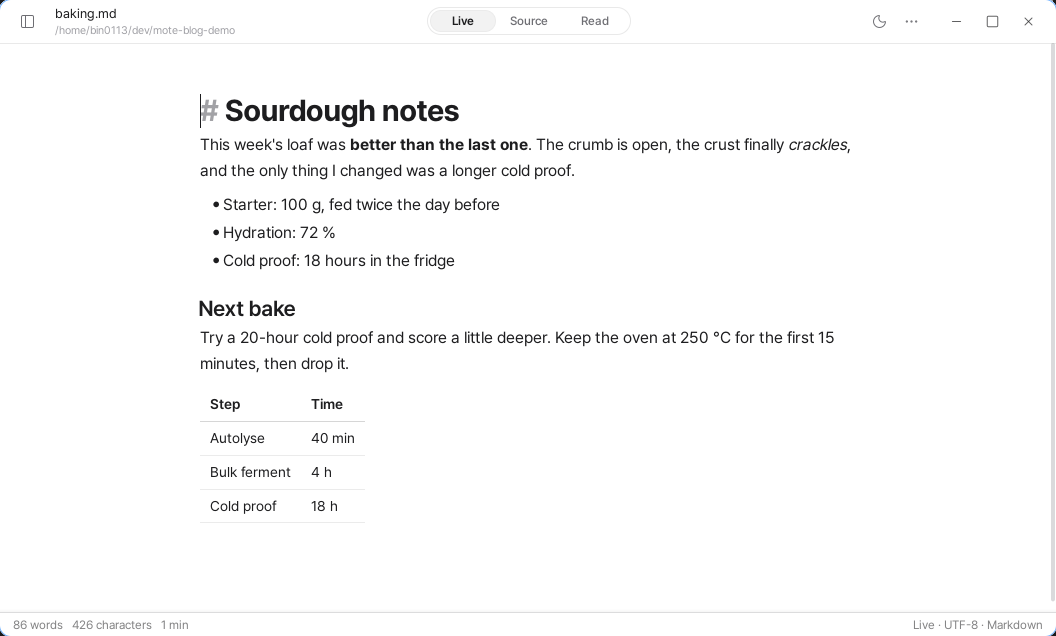
Tools change.
You try a new app, you switch computers, you change the way you work — and still, the heart of writing, reading and revising stays the same.
mori began to make that old work a little easier.
Rather than piling on features, we wanted an editor that is comfortable to use every day and trustworthy to use for years. Easy to get used to from the start, and more and more a tool that fits your hand the longer you keep it.
We are releasing mori 1.0.
For the moments a text comes together
A text is never finished in one go.
You write, read, revise and read again, and it gets a little better each time. mori is built so that this flow carries on more easily.
In Live you write while watching the result. In Source you edit the Markdown itself. In Read you can go through the finished text in comfort.
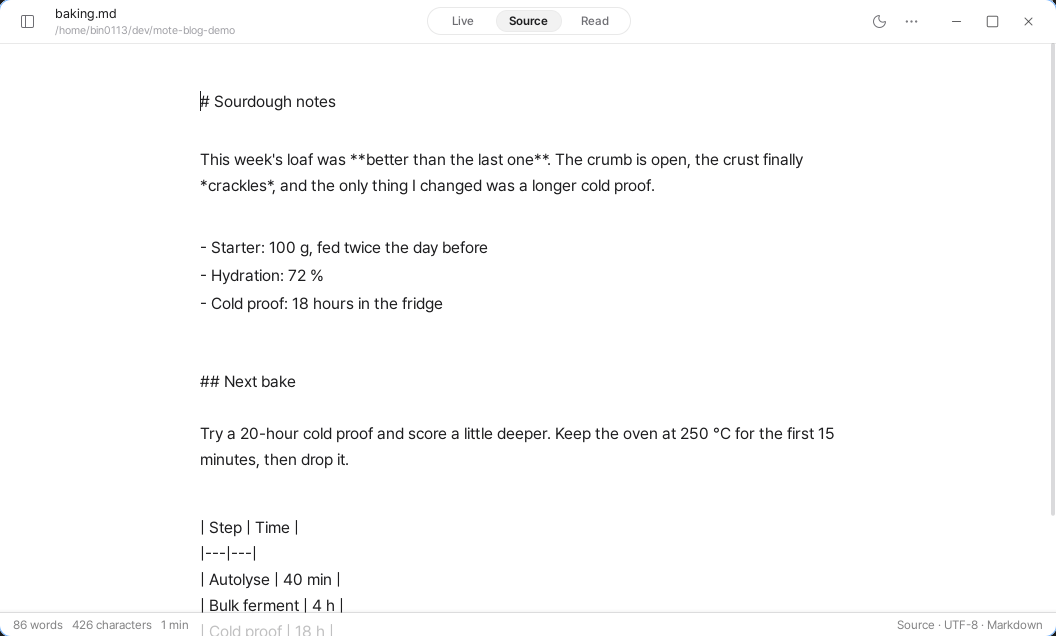
Writing and reading, revising and checking — we made them follow one another naturally.
We care about the experience more than the feature list
Features can always be added. But a tool you keep for years stays with you not because it has many features, rather because the things you do often carry on comfortably.
mori puts its effort into refining the basic experience of writing, reading and revising. Easy to start with, more familiar the more you use it, and dependable as the years pass.
More than adding new features, we care about making the everyday act of writing better.
So your writing carries on anywhere
Where you write can change. A text you started in mori may be opened in another editor, or you may look back through earlier versions with Git.
mori doesn't turn your Markdown into a separate document format. It doesn't append invisible information to the file either. So you can carry on writing the same text in another editor.
When a file changes outside mori, we check the content itself. Changes made by Git checkout, a formatter or another editor's save are neither missed nor overwritten.
Wherever you start, whenever you open it again, your writing carries on.
Try it first, then decide
mori 1.0 gives you 14 days to try it properly and decide.
During the trial you can use the three modes — Live, Source and Read — along with Markdown editing, search, saving and export.
When the trial ends, what you wrote and what you set stay as they are. Editing in mori needs a licence, but your files are never tied to mori. They still open in any other editor.
One purchase keeps every later 1.x update, and one licence works on up to 3 devices. After activation it also works offline.
Starting on Linux
mori 1.0 starts on Linux x86_64. You can install it as a .deb, an AppImage, a tarball or a Flatpak. macOS and Windows versions are in development too.
Rather than adding more features quickly, we want to build a tool you can come back to and trust as time goes by.
Start with one of the Markdown files you are working on right now.