Make a markdown table | all it takes is pipes and one row of hyphens
To make a markdown table, you only need pipes (|) and a row of hyphens (-). Alignment, line breaks in cells and why cells cannot merge, with examples.
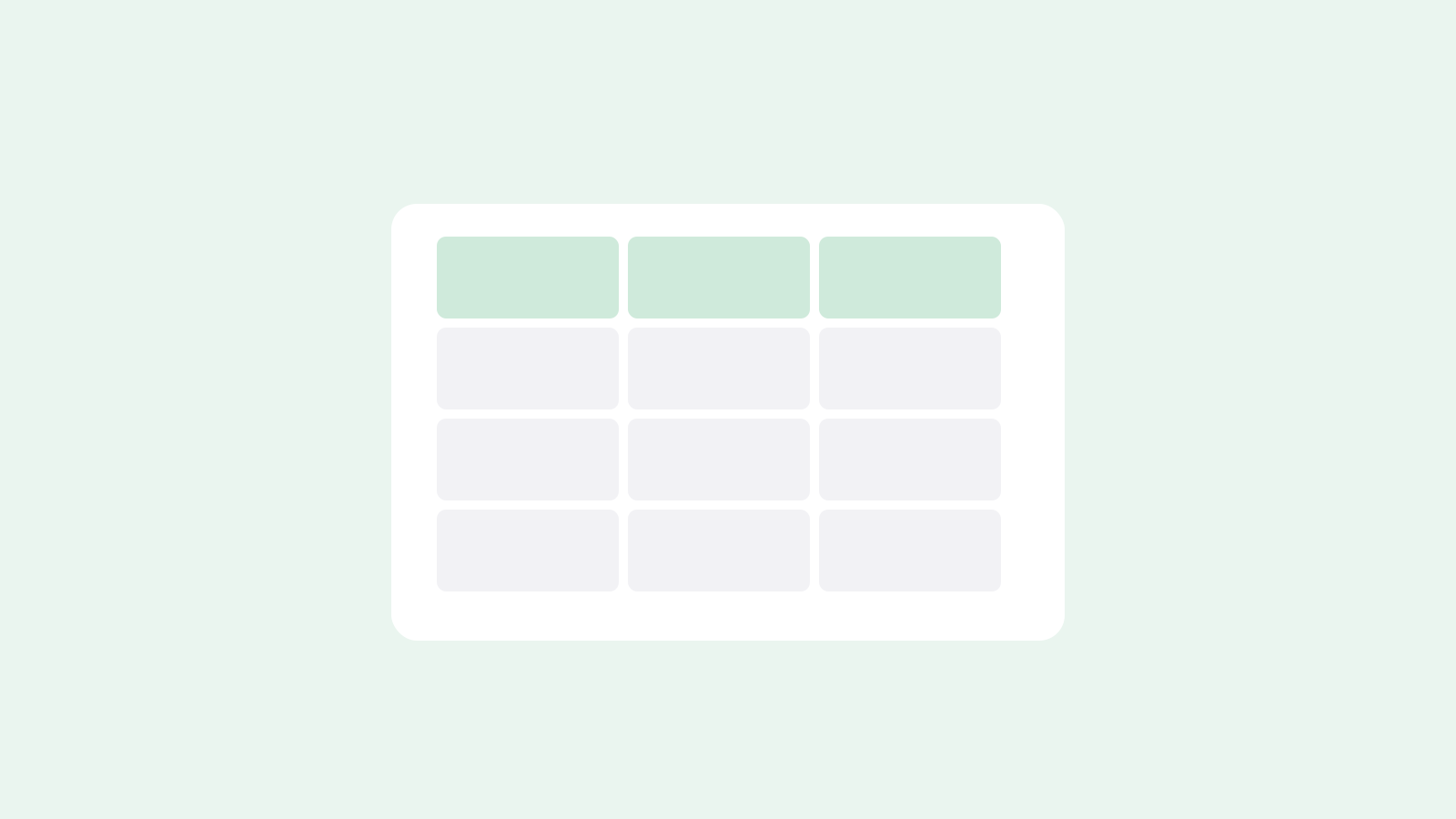
Want to make a markdown table? It is handy for information that is too simple to open Excel for and too complex to write as plain sentences. It is especially convenient for lining up a few items side by side, such as dues records, schedules or product comparisons.
The method is simple too. Write the headings on the first line, make a divider with hyphens (`-`) on the second line, and type the contents below. Cells are separated with pipes (|).
The basic syntax to make a markdown table
Say you want to summarize who has paid dues for a club.
| Name | November dues | Note |
| --- | --- | --- |
| Kim | Paid | |
| Park | Not paid | Next week |
Written like this, it is displayed as the following table.
| Name | November dues | Note |
|---|---|---|
| Kim | Paid | |
| Park | Not paid | Next week |
There are three steps.
- Write the name of each column on the first line.
- On the second line, put
---for each column. The line must be there for it to be recognized as a table. - From the third line on, type the actual data.
Keep these points in mind as well.
- Match the number of columns. The header and the divider must have the same number of columns.
- If data is missing, you can leave a cell empty. On the other hand, if there are too many columns, some editors may ignore the extra content.
- The first and last `|` can be omitted. Keeping them makes the raw text easier to read.
- You do not need spaces to line up the cell widths. The table is displayed the same no matter how many spaces you use.
This table syntax is an extension supported by GitHub Flavored Markdown (GFM). It works the same way on GitHub and in any editor that supports GFM tables.
Align left, center and right in a markdown table
Once you have a table, you can also align the contents to suit them.
Alignment is set by adding colons (:) to the hyphens on the second line.
| Item | Amount | Status |
| :--- | ---: | :---: |
| Shuttlecocks | 32,000 | Bought |
| Court rental | 120,000 | Booked |
The position of the colon decides the alignment.
:---left aligned---:right aligned:---:center aligned
Right alignment is handy when you compare numbers such as amounts, and center alignment suits statuses and short items.
One thing to know is that alignment applies to the whole column, not to individual cells. GFM tables have no syntax for centering just one cell.
Putting a pipe or a line break inside a table
When writing a table, you sometimes want to put special characters in a cell or arrange the content on several lines.
Showing the pipe | as a character
In markdown, | is the symbol that separates cells. So to put a pipe itself in a cell, add a backslash (\) in front of it.
| Command | Meaning |
| --- | --- |
| `a \| b` | a or b |
This way, | is displayed as a character instead of starting a new cell.
Breaking a line inside a table
In a markdown table, each row must be written on one line in the raw text as well. So pressing Enter inside a cell can break the structure of the table.
GFM tables have no dedicated syntax for line breaks inside a cell. In environments that allow HTML, such as GitHub, you can use <br>.
| Item | Description |
| --- | --- |
| What to bring | Racket<br>Shuttlecocks<br>Sneakers |
Note that <br> is HTML, not markdown syntax. In an editor that does not render HTML, the tag may show up as it is.
Inline syntax that applies to text, such as bold (**text**), links ([name](address)) and inline code (` code ), works inside a table too
Can you merge cells in a markdown table?
In Excel you can combine several cells into one, but GFM markdown tables have no cell merging.
If you need a complex table, consider two approaches.
- Split the table. Rather than putting several kinds of information in one table, separating tables by purpose makes them easier to read.
- Gather the content in one cell. If you really need to, you can write several pieces of information in one cell and leave the others empty.
If you truly need merged cells or a complex layout, Excel or a spreadsheet may suit you better than markdown.
A markdown table fits best for comparing and organizing a few items simply.
Common mistakes when you make a markdown table
If the table does not display as you expect, check these three things first.
1. You used equals signs instead of hyphens in the divider.
The second line of the table must use hyphens, like ---. === is not the divider syntax of a GFM table.
2. You used a full-width pipe instead of a regular one.
With a Korean (Hangul) input method, a wide full-width pipe (|) may be typed. A markdown table needs the regular half-width pipe (|).
3. The number of columns does not match.
Check that the header on the first line and the divider on the second line have the same number of columns. It is best to write the data rows with the same structure too.
If you want to see the result as you build the table
The most inconvenient thing when you first make a markdown table is having to judge from the raw text alone how the real table will look.
As you type | and --- again and again, you keep checking whether the cells are split properly and whether the alignment is right.
mori is a markdown editor made to reduce this inconvenience. When you open a .md file, it shows the finished table instead of the markdown symbols. When you want to edit the table directly, you can do it right in the live view, and when you want to see the raw symbols too, switch to the source view.
mori has three views.
- Live: write while looking at the result with markdown applied.
- Source: see the raw text, markdown symbols included.
- Reading: read only the finished document, with no editing elements.
It runs on Windows and Linux, and it opens and saves existing .md files as they are. If you want to try it first without installing anything, you can also paste the examples above into mori's web editor, which runs in the browser.
If you are curious about other markdown syntax, the markdown cheat sheet covers the expressions you will use most.
A markdown table is not hard once you learn the basic structure. Write the headings on the first line, and on the second line put hyphens to match the number of columns. If you use an editor that lets you see the result as you build the table, it is much easier for a first-timer to learn.